Getting Started
Your speaker comes fully charged out of the box.
Charge time: 3-4 hours
Play time: 10+ hours
Bluetooth pairing works with any standard device.
Bluetooth Pairing
In your Bluetooth settings, connect to "Wuzhi Audio" (ignore "Wuzhi App"). Once connected, enjoy your speaker.
If someone else wants to connect, simply turn off Bluetooth on your device to let theirs pair.
Note: if your speaker has a TWS (Party Mode) amp, don't rename the Bluetooth device in the Wuzhi App — doing so may cause the amp to lock up. You can rename it only through your device's Bluetooth settings.
Care & Longevity
Water resistant and floats
Built-in dry storage — stash your keys, phone, or wallet
Clean off sand/mud after heavy use
Store indoors to extend lifespan
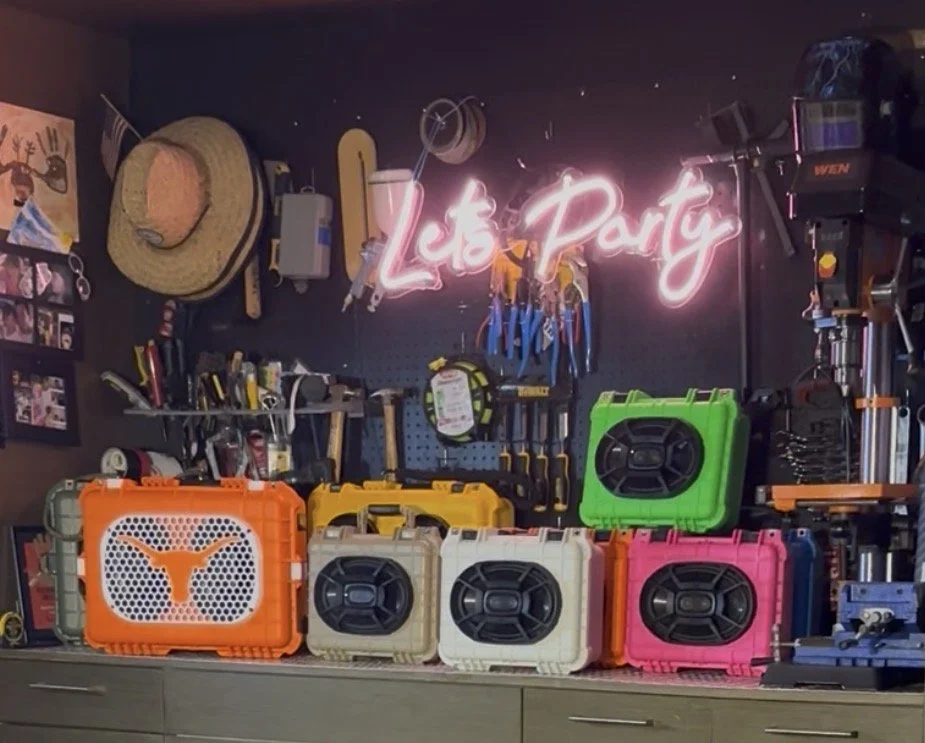
Perfect for lake days, golf carts, camping trips, BBQs, job sites & more
If you wouldn't leave your phone out in the sun, don't leave your speaker out.
Contact
Lost your card? Have a question?
Reach out anytime at info@soundhavenaudio.com — we're happy to help.
Party Mode — Pairing Two Speakers
Own two speakers? Pair them together for stereo sound across your yard, garage, or patio.
Pair your phone to ONE speaker.
Keep that speaker on and paired.
Turn on the second speaker.
Open both lids to access the amps.
On the paired speaker, press the volume button 3 times — the blue light will flash.
On the second (unpaired) speaker, press the volume button 3 times — its blue light will flash too.
Wait about 15 seconds for them to sync together.
Enjoy stereo sound from both speakers — perfect for your yard, garage, or patio!